
Description

Reviews (1 cached)
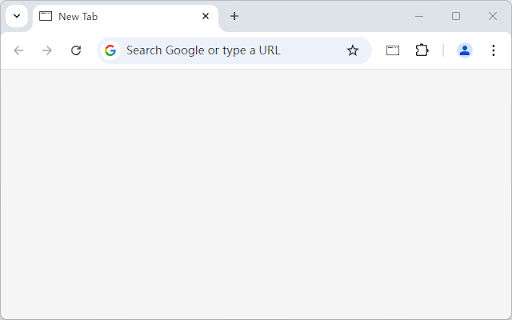
Finally an extension that also works in Edge's inPrivate mode. Other extensions, despite having an "Allow in inPrivate window" option, had no effect in inPrivate mode. I'd still get a new tab with the Bing search bar, and a bunch of instructions filling the doc window. With this extension, new tabs are blank in both normal and inPrivate mode. This extension does not follow the color scheme (system, light, dark) configured in the web browser, so you have to go into this extension's options to pick one. The "Redirect new tab" extension also worked in inPrivate mode, but the doc background was always white, and about:blank (the URL to which the extension was configured to redirect) populated the address bar. This extension loads a blank doc AND keeps blank the address bar. -- Alas, I discovered this extension has the same defect as another: when loading Edge, extension://jmbngnnlimnakiibacglaeflpghellfh/src/blank.html gets populated in the address bar. New tabs have a blank address bar, but the home page (which is configured to use the new-tab page controlled by this extension) tries to load some page for this extension. That means the address bar is not blank for the home page when Edge gets loaded. For the other extension, see https://github.com/zmni/MSEdge-BlankTab/issues/4. I will report the same issue at this author's Github project (https://github.com/yuhaofe/Blank-New-Tab-Page---White-Smoke).
Permissions (1)
Permissions
Details
| Version | 0.2.6 |
| Updated | Dec 30, 2024 |
| Size | 12.85KiB |
| First Seen | Mar 21, 2026 |
Popular in workflow





Popular Extensions


