
Description
Reviews (2 cached)
Many times, the tabs don't close when I click on them. Can you fix this?
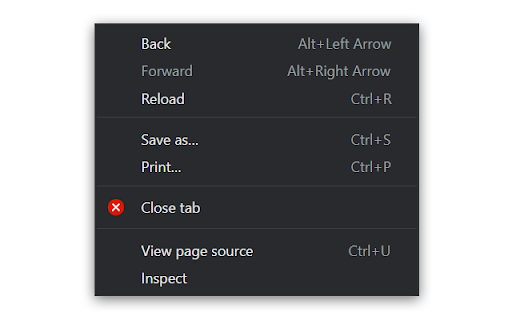
'No options for OS X systems' This extension only works halfway on my MacBook (2020, Intel); instead of allowing one to close a tab via 'right click and a button press' (in which the button can be customized, it only adds 'close tab' to the context menu. When I open the 'Options' setting, it brings up the dialog box "No options for OS X systems". Developer - your work is appreciated and I really hope you see this and can enable the 'right click and button' option for a smooth workflow. It's a great idea, one I can't find anywhere else. Please fix this functionality as well as add a 'buy me a cup of coffee...' to the Chrome Web Store extension description as I'd love to pay for what I 'd be using.
Permissions (2)
Permissions
Details
| Version | 1.8.0 |
| Updated | Nov 28, 2023 |
| Size | 25.84KiB |
| First Seen | Mar 30, 2026 |
More by Hansifer


Popular in functionality




Popular Extensions




