
⚠️Not updated in over a year ⚠️Very few reviews for its user base
Description
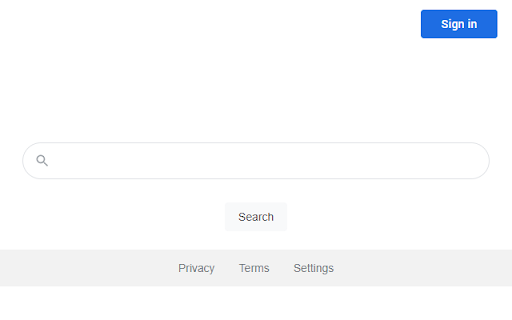
Change default search engine to make My Focal Find your search in Chrome browser address bar (omnibox).
To get a new search experience, you only need to install this extension and leave it as the default search in the address bar.
Features of the extension:
- Free and safe Google Chrome extension
- Оne-click installation, small size and minimum browser resource usage
Terms of Use: https://myfocalfind.com/terms.html
Privacy Policy: https://myfocalfind.com/privacy.html
By click on the "Add to Chrome" button and installing the My Focal Find extension, you are agreeing to install this extension, you are agreeing to our Privacy Policy, and you are agreeing to our Terms of Use.
Reviews
Loading reviews...
Permissions (2)
Permissions
declarativeNetRequestℹ Can block or redirect network requests storageℹ Can store data locally in your browser
Details
| Version | 1.0.2 |
| Updated | May 23, 2024 |
| Size | 10.61KiB |
| First Seen | Mar 21, 2026 |
Popular in tools

Monica: All-In-One AI Assist & Smartest AI Agent
by Monica Team
3M
★ 4.89
tools
3M
★ 4.89
tools

Ad Blocker: Stands AdBlocker
by Stands
3M
★ 4.79
tools
3M
★ 4.79
tools

Google Dictionary (by Google)
by dictionary-extension-dev
3M
★ 4.36
tools
3M
★ 4.36
tools

WPS浏览器助手:文档在线阅读编辑
by 金山PDF
2M
★ 2.90
tools
2M
★ 2.90
tools

Pie Adblock - A Powerful Free Ad Blocker
by Pie Extensions
2M
★ 4.90
tools
2M
★ 4.90
tools
Popular Extensions

Adobe Acrobat: PDF edit, convert, sign tools
by Adobe Inc.
330M
★ 4.40
workflow
330M
★ 4.40
workflow

Chrome Remote Desktop
by Chrome Remote Desktop Release Managers
38M
★ 3.14
workflow
38M
★ 3.14
workflow

Cisco Webex Extension
by cisco.chromestore
24M
★ 2.34
social
24M
★ 2.34
social

Kami for Google Chrome™
by Kami
17M
★ 4.56
education
17M
★ 4.56
education

Read&Write for Google Chrome™
by Texthelp
17M
★ 3.44
accessibility
17M
★ 3.44
accessibility