
⚠️Not updated in over 2 years
Description
How to remove Chrome themes?
At the top right of chrome, click More and then Settings.
Under "Appearance," click Reset to default. You'll see the classic Google Chrome theme again.
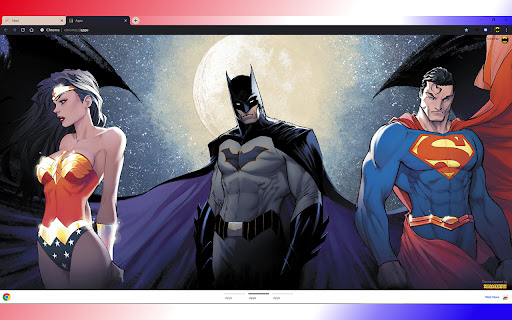
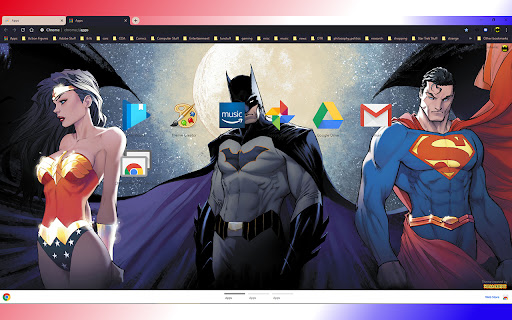
Reviews
Loading reviews...
Details
| Version | 1.0 |
| Updated | Apr 4, 2020 |
| Size | 1.85MiB |
| First Seen | Mar 22, 2026 |
More by nosacrifice

Harley II - 1920
by nosacrifice
762
★ 4.28
entertainment
762
★ 4.28
entertainment

Superman Rising
by nosacrifice
258
★ 5.00
Other
258
★ 5.00
Other

The Batman Who Laughs 1
by nosacrifice
186
★ 4.80
Other
186
★ 4.80
Other

Birds of Prey I - 1920x1080
by nosacrifice
153
★ 5.00
Other
153
★ 5.00
Other

The Batman Who Laughs
by nosacrifice
107
★ 4.75
Other
107
★ 4.75
Other
Popular Extensions

Adobe Acrobat: PDF edit, convert, sign tools
by Adobe Inc.
330M
★ 4.40
workflow
330M
★ 4.40
workflow

Chrome Remote Desktop
by Chrome Remote Desktop Release Managers
38M
★ 3.14
workflow
38M
★ 3.14
workflow

Cisco Webex Extension
by cisco.chromestore
24M
★ 2.34
social
24M
★ 2.34
social

Kami for Google Chrome™
by Kami
17M
★ 4.56
education
17M
★ 4.56
education

Read&Write for Google Chrome™
by Texthelp
17M
★ 3.44
accessibility
17M
★ 3.44
accessibility