
Description
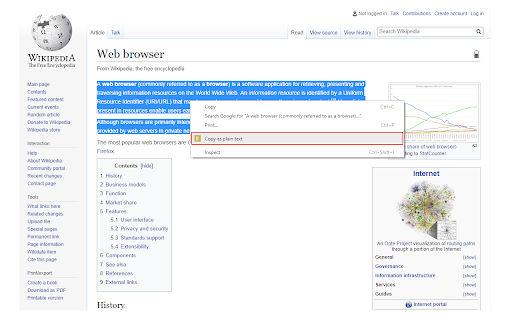
Reviews (8 cached)
Stopped working. said "copy failed will exceed publishers limit..." Thanks for delaying my studying.
Technically, it works (copies text with all formatting removed). Unfortunately, in doing so, it also removes carriage returns. 😣 That means, when you copy text that is made up of separate lines and/or multiple paragraphs, when you paste it, you get a MASSIVE single block of text instead! Because of this, you then have to waste so much time and energy putting back all the carriage returns to separate the text into lines and paragraphs again. This is far too annoying for me to deal with, so I am uninstalling. I've decided to go with another extension, Copy as Plain Text - Format Cleaner, because that one is capable of retaining carriage returns.
It works when it feels like working. Half the time it works, half the time it fails. It's never consistent.
USELESS
It's not working anymore lmao
Works on some text but not PDFs with different formats ( designed with Canva specifically).
You need to click many times to "Copy" action to actually copy the text...
It would help a lot to have an option to keep line breaks
Permissions (5)
Permissions
Details
| Version | 0.1.5 |
| Updated | Jul 22, 2025 |
| Size | 17.9KiB |
| First Seen | Mar 27, 2026 |
More by Yubi



Popular in tools




Popular Extensions


