
Description
Reviews (3 cached)
doesnt work anymore please update
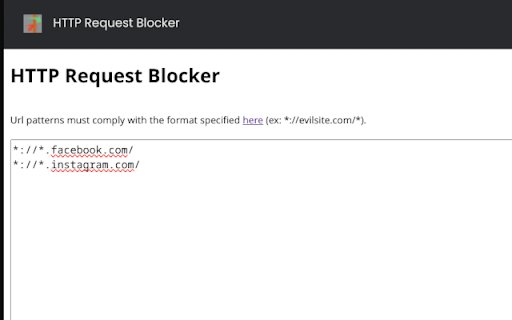
Unfortunately it doesn't match when using the "omnibar" autocomplete, (ie. type a few letters in address abr and then enter to pick a site you've visited before). For example if I block reddit.com/r/videos I start typing in address bar "reddit" and the videos sub will appear as a suggestion from history. Then I press enter and it isn't blocked, because the pattern matching seems to take place before the "omnibar" search is replaced with the complete url appearing in the dropdown.
Hello, thanks for your work but this extension does not block ALL http/https requests according to the users' correct expression given/saved. It only blocks requests from the addr bar/field. If a page is making http requests for example to display an image, those requests are NOT blocked. Example: I tried to block the youtube logo, it gets blocked if I enter the logo's full url in the addr bar, but the logo shows up on the youtube home page (after doing everything CORRECTLY, i.e. clearing the browser cache, restarting, etc.)
Permissions (2)
Permissions
Details
| Version | 2.0.0 |
| Updated | Sep 30, 2024 |
| Size | 13.24KiB |
| First Seen | Mar 21, 2026 |
Popular in developer





Popular Extensions




