
EasyFiller - Automatic Form Filler
Description

Reviews (9 cached)
extension got deleted then couldnt activate premium. money loss
not working ,input in wrong field
Doesnt work
useless garbage
This app is good. update is there but unable to edit the details with out opening that required website . Unable to change the place of tabs from top to bottom and vise versa as we want.
How Change Writing Details. I want Chane Tex Details Save Form
I keep having to reactivate it loose information that I had then.
A pretty good form filler. Needs the ability to insert current date/time into fields.
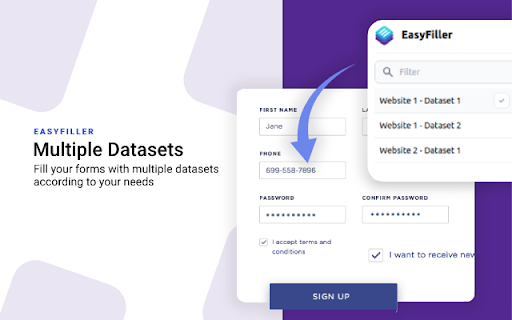
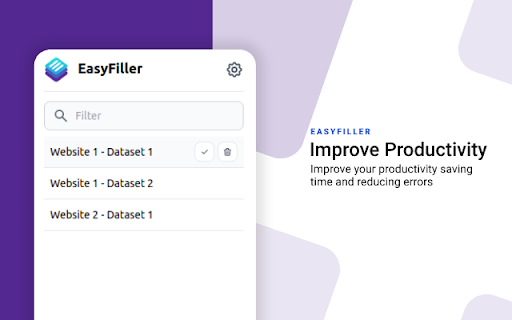
As a web developer who has to frequently test the same form, this extension is "meh." In order to pre-fill the form fields, you have to select the dataset from the sidebar. I was hoping there'd be some kind of option in-browser that would just let me automatically do that, so unless you have the extension already open in it's sidebar view, you're still going to have to do extra clicks to open it (assuming it's not pinned either) and select a dataset. And because of this method of selection, it's going to take up valuable screen space which may screw up any resizing or responsive design tests you're doing for a form. Additionally, it automatically submits the form when you select the dataset. This was the huge nope for me because I only want it to pre-fill the visible fields to speed up my tests. I sometimes need to alter a field after it's been pre-filled in case I'm using a disposable email address and obviously this does not work unless I go through the process of updating the dataset before I use it. Which, there is only an "update" button. So in order to create a dataset, you have to manually fill out a form, don't submit it, and name the dataset in the sidebar and press save. To update it, you have to do that too. You can't just use it and then update the fields because again, it automatically tries to submit the form! So the form may have disappeared, error'd or redirected, etc., so in order to actually update a dataset, you have to basically recreate it and just hit "update" instead of saving a new one by a new name. Overall, it works if you're just a person who wants to automatically submit forms with the same data, but even then, I prefer to review the data to ensure they're all in the correct fields. Not all websites configure their forms with the correct naming conventions or may need phone numbers inputted in a different way, etc. Won't know until it's submitted and maybe shows an error!
Permissions (6)
Permissions
Details
| Version | 2.1.3 |
| Updated | May 31, 2024 |
| Size | 71.61KiB |
| First Seen | Mar 31, 2026 |
Popular in workflow




Popular Extensions
