Stay Focused icon

Stay Focused

by Maher Khdeir

v1.0.9 Updated Oct 24, 2024 1.81MiB
CWS
3K
Users
β˜… 4.83
24 reviews
#13239
of 207.6K
workflow
#3718 of 31.9K
⚠️Not updated in over a year

Description

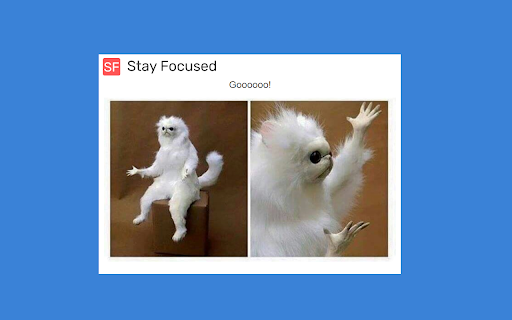
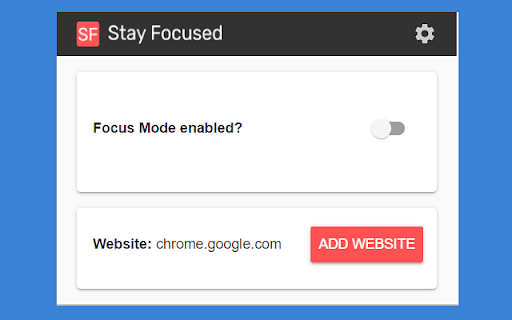
Stay focused is an open source chrome extension to help you to block distracting websites like social media. The idea behinds this, that sometimes you are working, and suddenly you find yourself sitting on social media like Facebook, and you spend there like 30 minutes without noticing that. So this chrome extension will show an image to remind you to back to work. Functionalities πŸ’ͺ - Block entering websites by three methods: - Block by websites. - Block by a word. - Block by regex. - Group block websites in groups (like social media, videos, etc) - Showing funny images to tell you to go back to work. - specify working hours(to only block websites during your working hours) - Using Lock mechanism to delay you from disabling the tool immediately: - Lock By Password: To prevent others from entering the settings and unlock the tool - Lock By Questions You have to answer a question to unlock the tool - Clicking a button You have to click on a moving button for number of times to unlock the tool
Stay Focused screenshot 1Stay Focused screenshot 2Stay Focused screenshot 3Stay Focused screenshot 4

Reviews (1 cached)

β˜…β˜…β˜…β˜†β˜†2024-01-02
Daniel Kaspo

So close to being a perfect 5 stars!! The permissions are perfect (only history is required vs. *change all data on all sites*) Unfortunately though, after opening the extension for the first time, I clicked "Add" and now it says "Website: chromewebstore.google.com Already Added" with no option to remove... In the settings there was ways to enable and disable groups of sites but I couldn't unblock the Chrome web store :( One last thing that would be very helpful is sometimes I've Googled for something, found what I needed, then clicked the link only for it to show me the "focus now!" screen. Would be awesome if I could unlock it temporarily and for it to redirect that page back to where I was trying to go vs. backtracking to find the right link.

Permissions (3)

Permissions

storageβ„Ή Can store data locally in your browser tabsβ„Ή Can see your open tabs and their URLs webNavigationβ„Ή Can monitor navigation events

Details

Version 1.0.9
Updated Oct 24, 2024
Size 1.81MiB
First Seen Mar 30, 2026
