Typedesk is the leading app to reclaim time wasted typing the same things over and over again!
Create text templates of your every day sentences and messages, and typedesk makes reusing them quick and easy.
➤ How it works
Use the / character followed by your custom shortcuts to quickly insert your response. For instance, typedesk can transform "/eml" into your email address, or "/tmpl" into a full email with your opening line and signature.
Need something more visual? Hit Alt+C and typedesk's search bar opens up instantly to quickly and easily find and insert the responses you need.
➤ It works where you do
Whether you need your snippets within your email client, word document, code editor or backoffice, typedesk works out of the box with all the apps and websites you use daily. Our apps for Windows, Mac and all the major browsers are giving you typing superpowers everywhere you work!
➤ Powerful variables for personalised responses
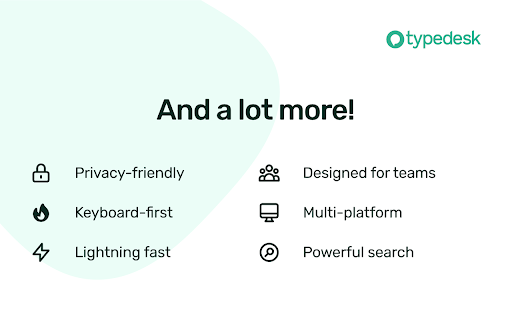
Personalising messages can be daunting, let alone making sure you didn't leave a placeholder before hitting "Send"! typedesk's powerful engine allows you to create interactive forms to personalise each response quickly and easily so you always hit the right spot!
➤ Designed for teams
typedesk has been designed from the ground up to work great with teams. Invite as many users as you want on your account, and share one or more folders with specific permissions for each user.
➤ Built for privacy
Unlike most text expanders, typedesk never listens to your keyboard before you request it with a shortcut. Your data is encrypted with LUKS and SSL to ensure complete peace of mind.
➤ Get our desktop apps
Need your responses outside of your browser? No problem, get our apps for Windows and Mac to experience the same typing speed in your favorite native apps.
➤ Don't take our word for it!
typedesk is acclaimed on many review platforms!
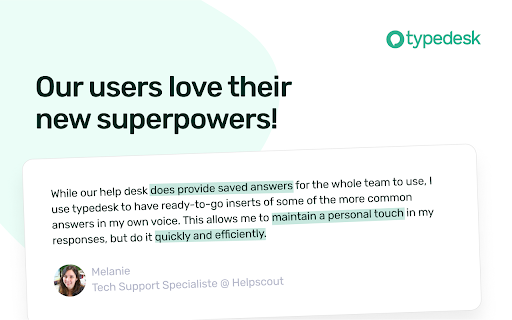
"We're loving typedesk! It's easy to use, and saves us tons of time when it comes to sending emails to our customers."
Seb Fontan, Founder @ TripHitz Marketing Agency
"We keep finding new ways to use typedesk. It started with the obvious canned email responses, especially for the repetitive emails we get every day. Recently, we've implemented it with social media posts, especially YouTube videos descriptions, and this is where Variables comes in handy."
Ninos M., Creative Director
"The set up was quick and painless and adding in new templates or using the templates after they are added takes no time at all, making working with emails a short and simple process."
Tori, Customer Success @ BookRetreats